
One click, and it actually installs: Castwright on Pinokio
July 11, 2026
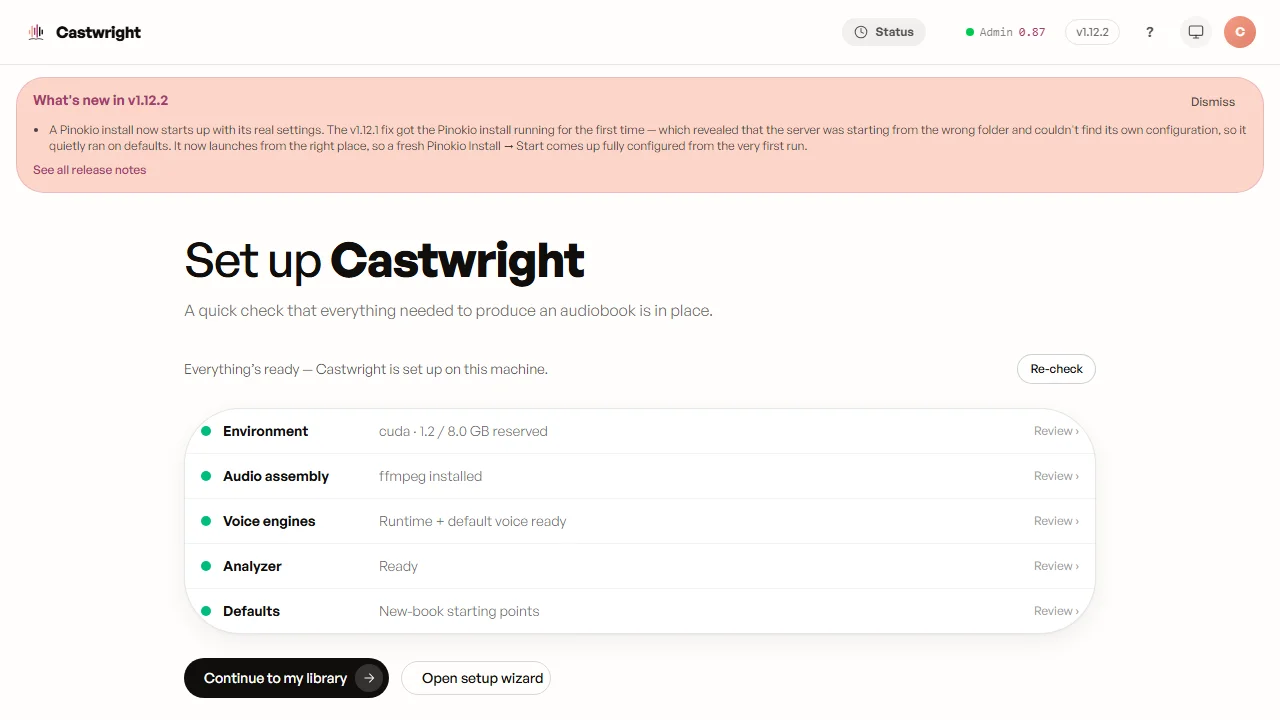
Getting Castwright onto your machine shouldn’t mean knowing what a Python virtual environment is. For most people it now doesn’t: open Pinokio, find Castwright, click Install — and when it’s done, click Start. That’s the whole thing.
What Pinokio does for you. Pinokio is a free launcher for local AI apps. It brings its own Python, ffmpeg, and Node, so nothing has to be on your machine first and you never touch a terminal. Point it at Castwright and it builds the current release, sets up the voice engines, and hands you the app. Update, Stop, and Reset are one click each, and your books and designed voices carry across all of them.
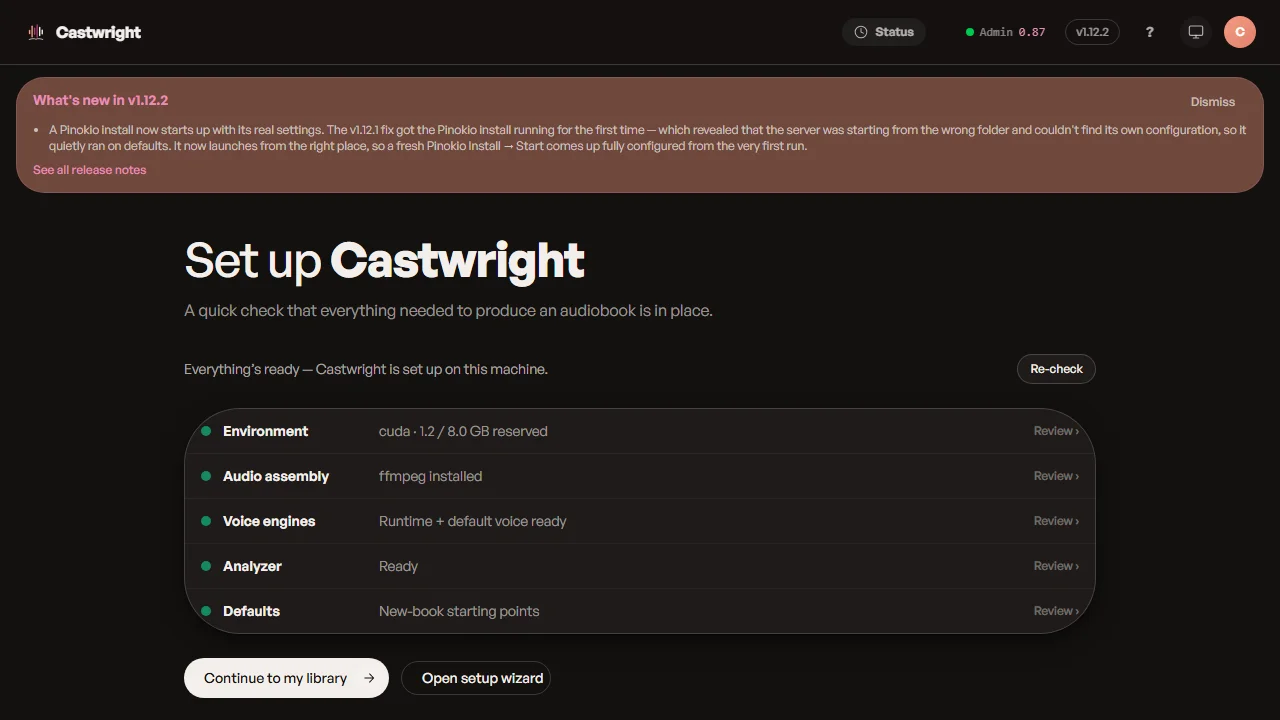
The honest part: this didn’t used to work. The one-click path has been listed for weeks and, until this week, quietly failed — twice, for two different reasons stacked one behind the other. The first bug stopped the install before it began. Fixing it uncovered a second: the installed app started from the wrong folder and came up on bare defaults, ignoring its own settings. Both are fixed now. The fix came out of running the one-click install on a real machine, start to finish — a clean Install → Start now comes up fully configured, the way the desktop app always has.
If you’d rather not use Pinokio, the direct download is still there — one zip for Windows, macOS, and Linux — and the full install walkthrough covers both paths, first run and all.
Many voices, one machine.